Hrvatski
 Français
 Deutsch
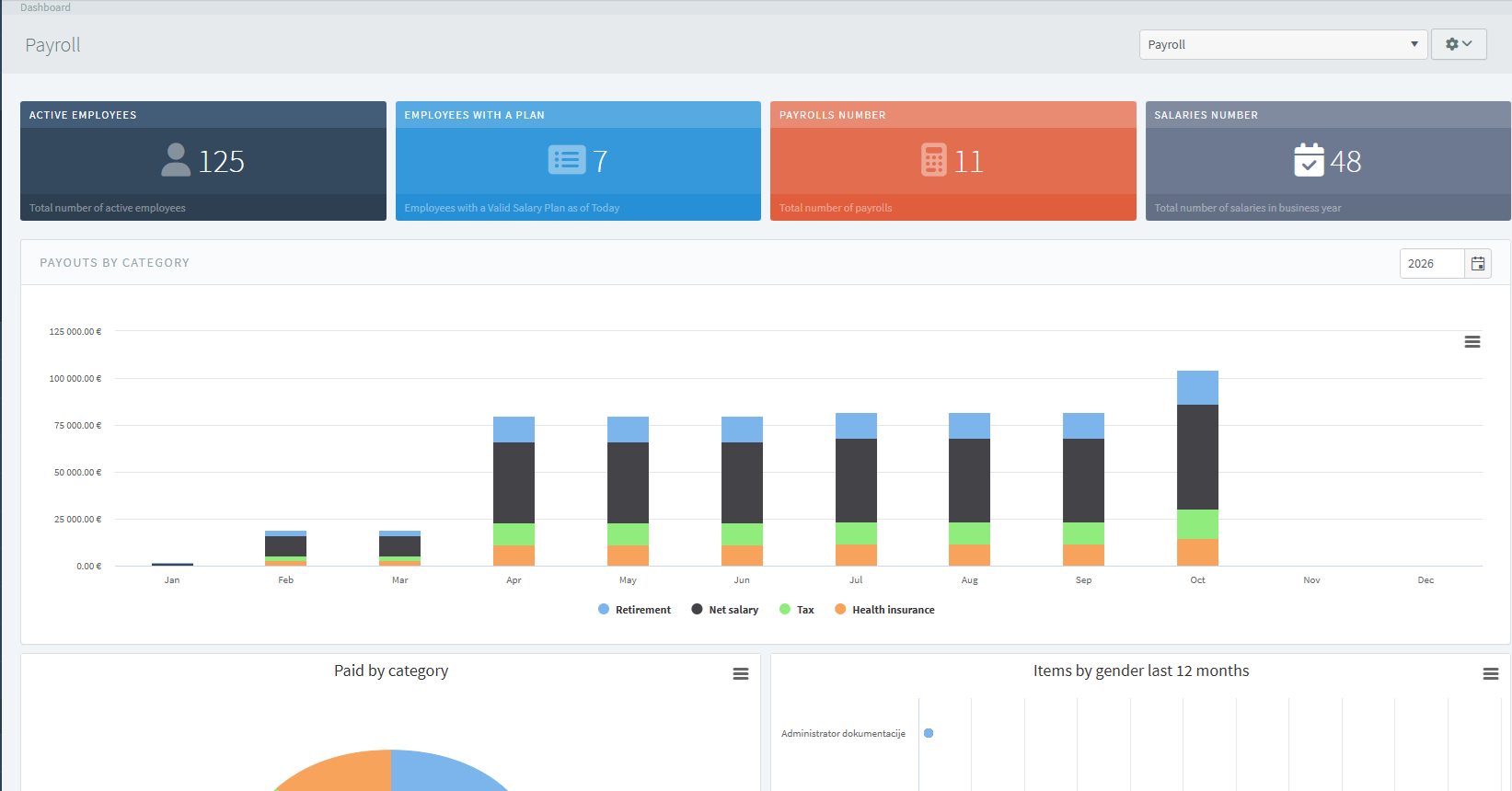
Payroll
A payroll management system that simplifies the process of calculating employee salaries. It includes the following modules: Dashboard; Payroll Preparation; Employee Payroll Editing; Generating Payrolls from Payroll Templates; Generating Bulk SEPA Payment Orders; Emailing Payslips; Personal Income Tax Calculation; Payroll Settings; Documentation*; Reports.
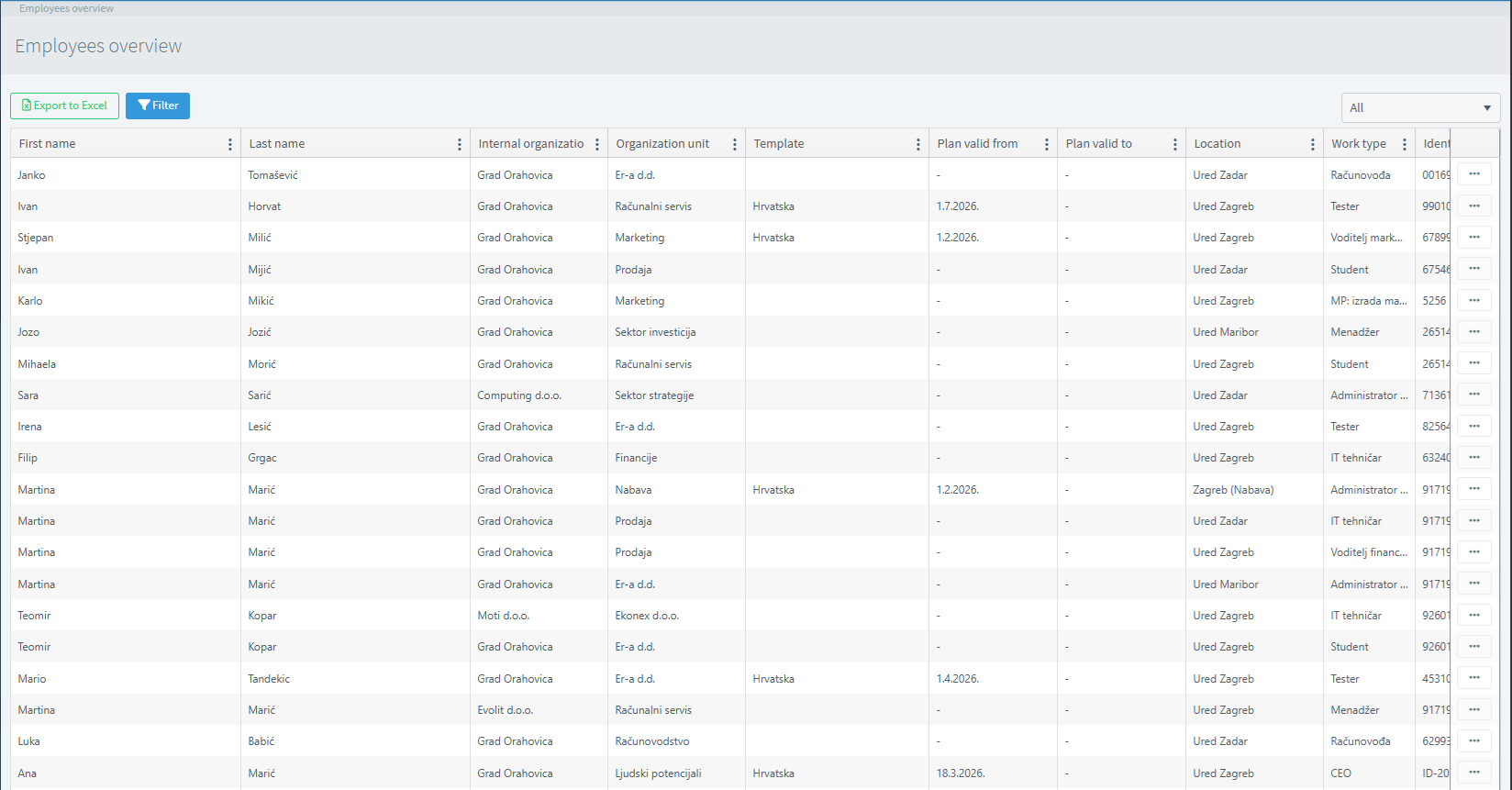
Employee Overview
The Employee Overview in Payroll is used to review and verify employee data for a specific payroll period. It provides access to employees’ basic information, hours worked, gross and net salary amounts, contributions, taxes, allowances, and other elements that affect the final salary amount.
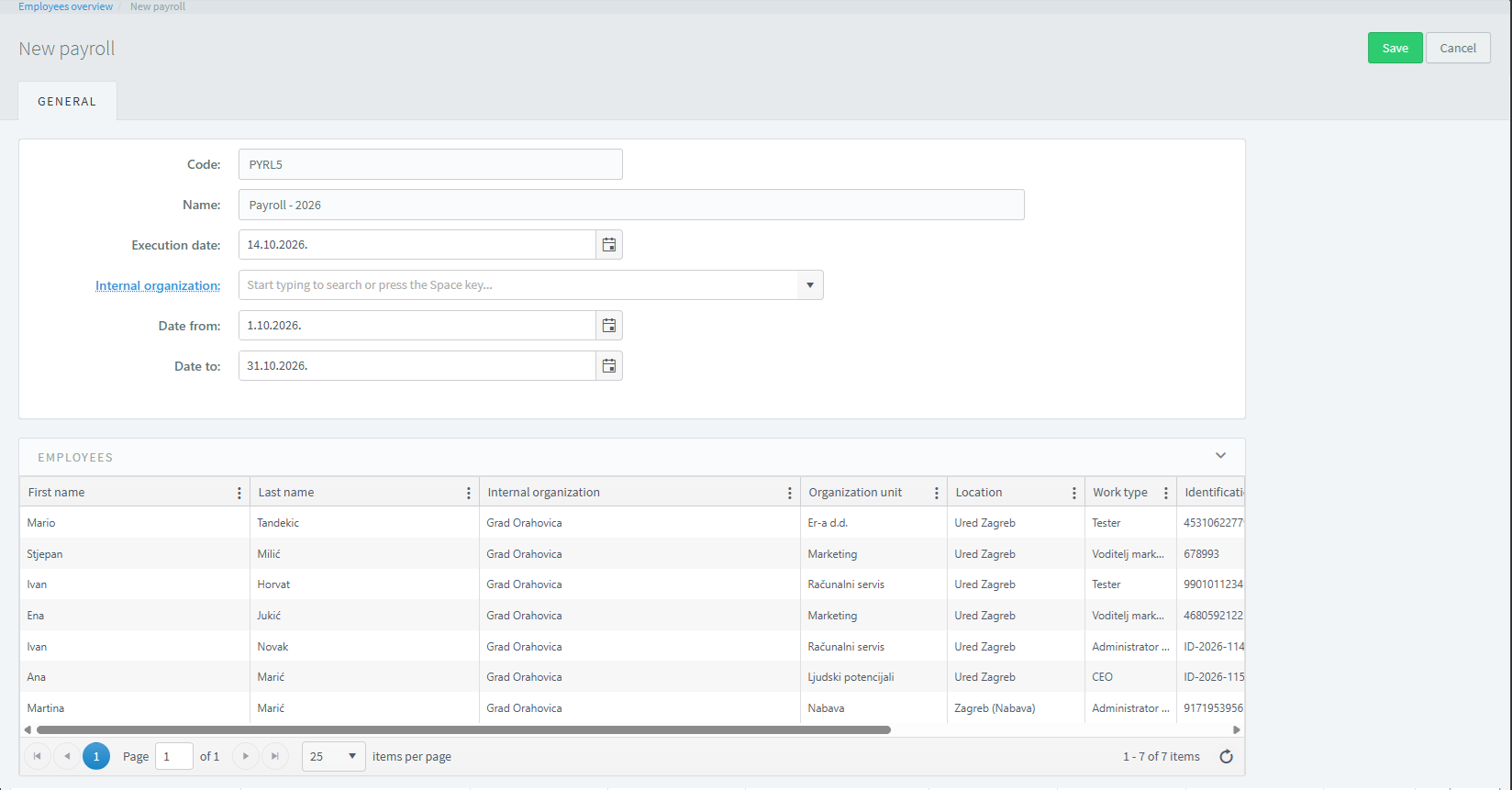
New payroll
New Payroll Run is used to create a payroll calculation for a specific payroll period. When creating a payroll run, basic information is entered to properly define the period, organizational unit, and employees included in the calculation. Once the required information has been entered, the scope of the payroll run can be defined and prepared for further processing, verification, and calculation of employee salaries.
Payroll overview
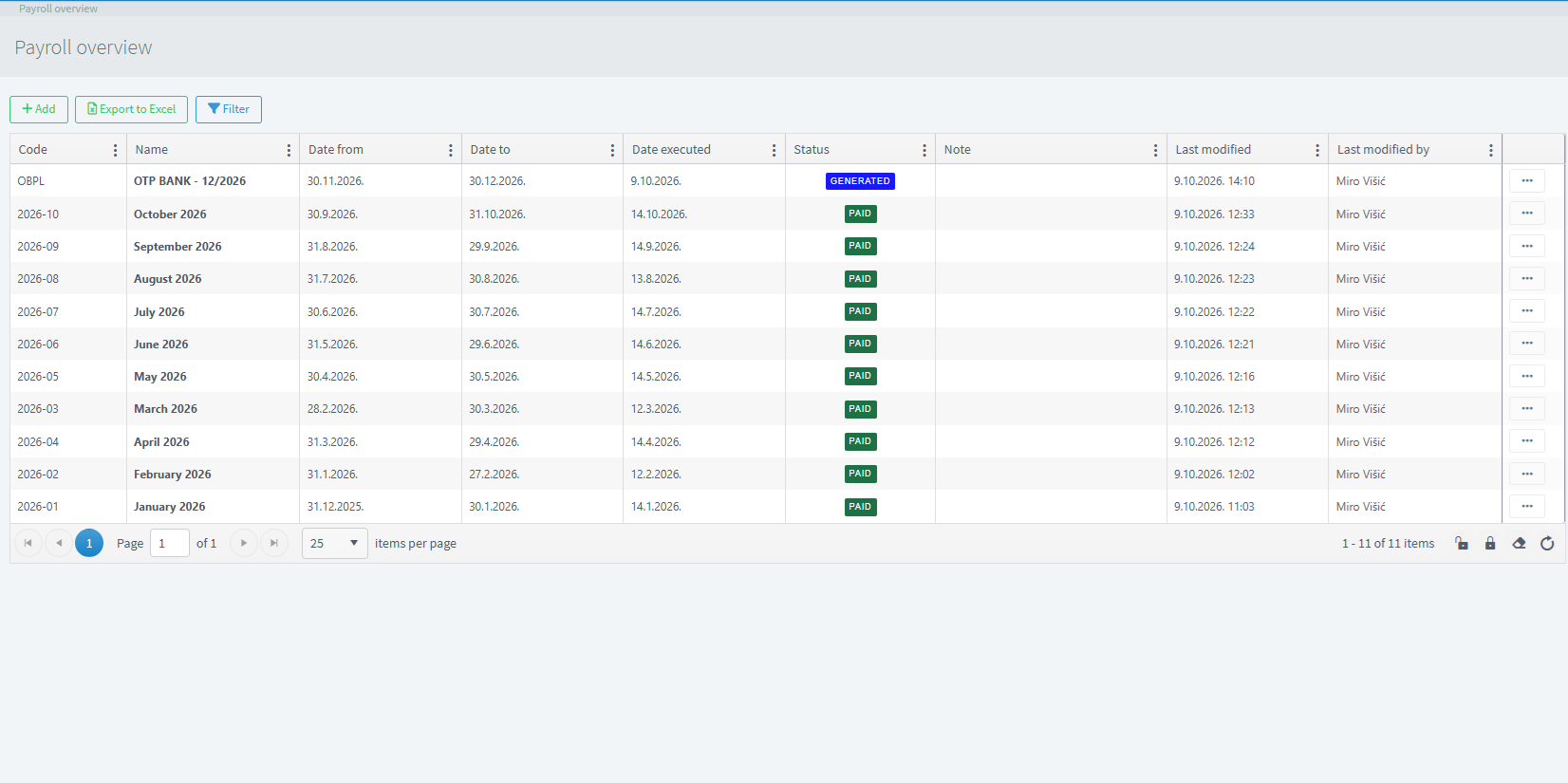
The Payroll Overview provides access to all created payroll runs and displays their basic information. It allows users to track payroll runs by reference number, name, processing date, payroll period, and internal organization. Through this overview, users can check the period for which a payroll run was created, identify the employees included, and review information relevant to further processing and payroll verification. The overview makes it easier to find specific payroll runs, verify entered data, and monitor the payroll process, ensuring better organization and control of payroll procedures.
Payroll Profile
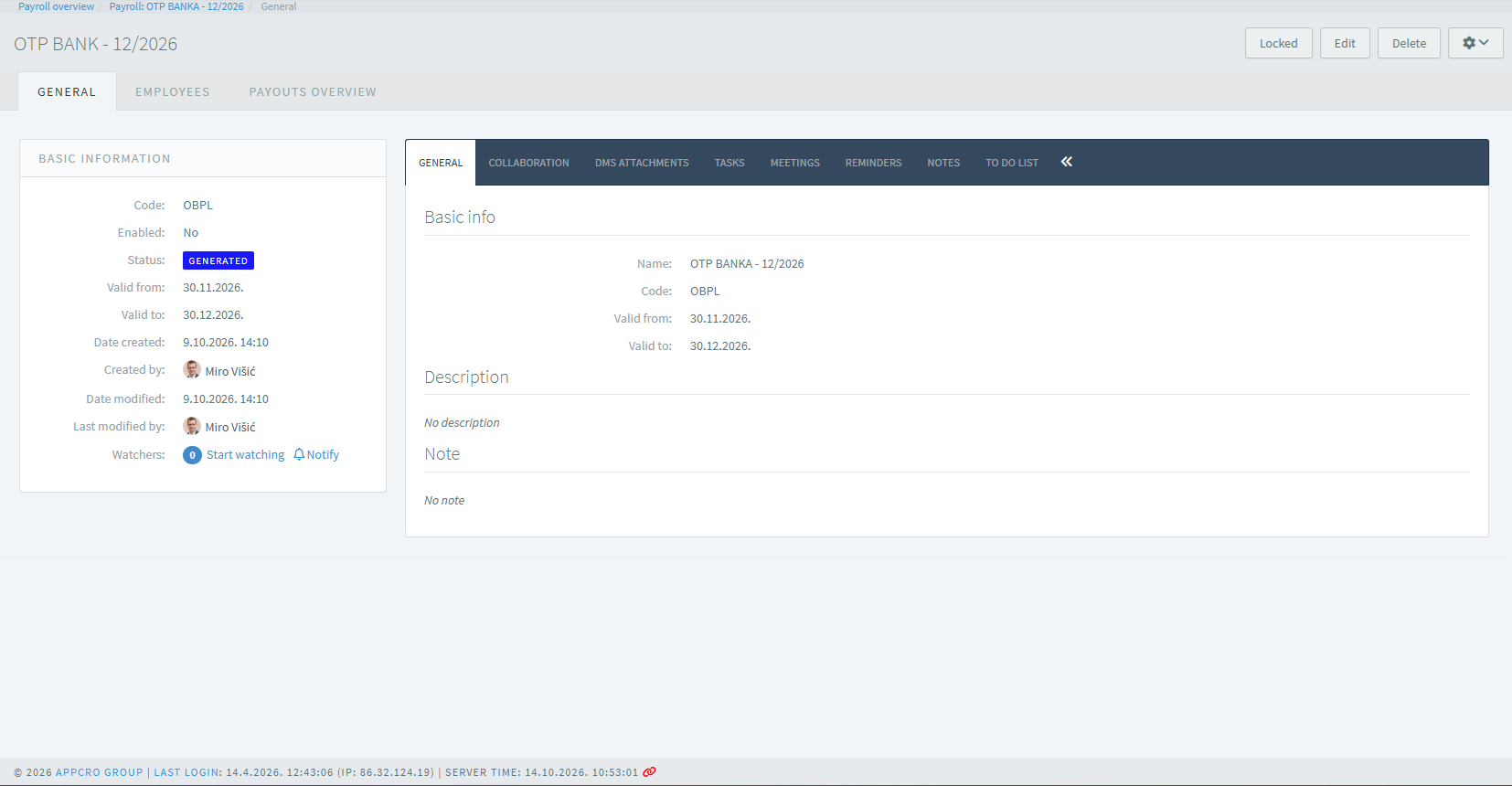
The Payroll Profile provides a detailed overview of and enables management of an individual payroll run. It includes basic payroll run information, such as the reference number, name, processing date, internal organization, and payroll period, as well as an overview of the employees included in the payroll run and their associated data. The Payments Overview option allows users to track payments related to the payroll run and verify their amounts and dates. The save functionality allows entered data and changes to be stored, while the status change feature allows users to indicate the current stage of the payroll run, for example by setting the status to “Locked,” thereby marking the process as complete.
Payments
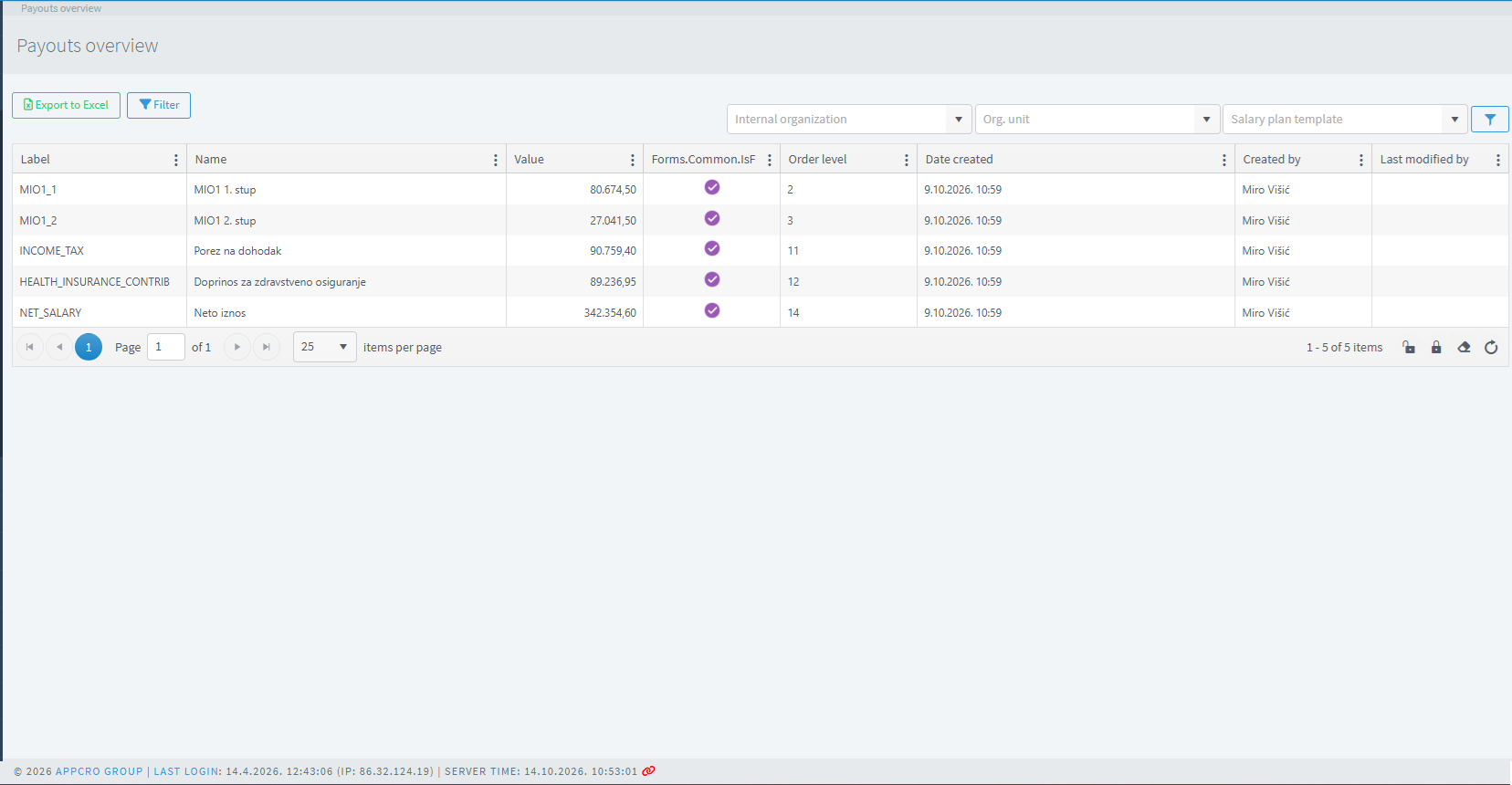
The Payments Overview provides access to recorded salary payments to employees for a specific payroll period. It displays basic payment information, including employees, payment dates, amounts, and related payroll data. Through this overview, users can track completed and recorded payments, verify the amounts paid, and compare payment information with previously created payroll runs. This facilitates the verification of payment accuracy, monitoring of financial obligations to employees, and ensuring accurate records of salary payments.
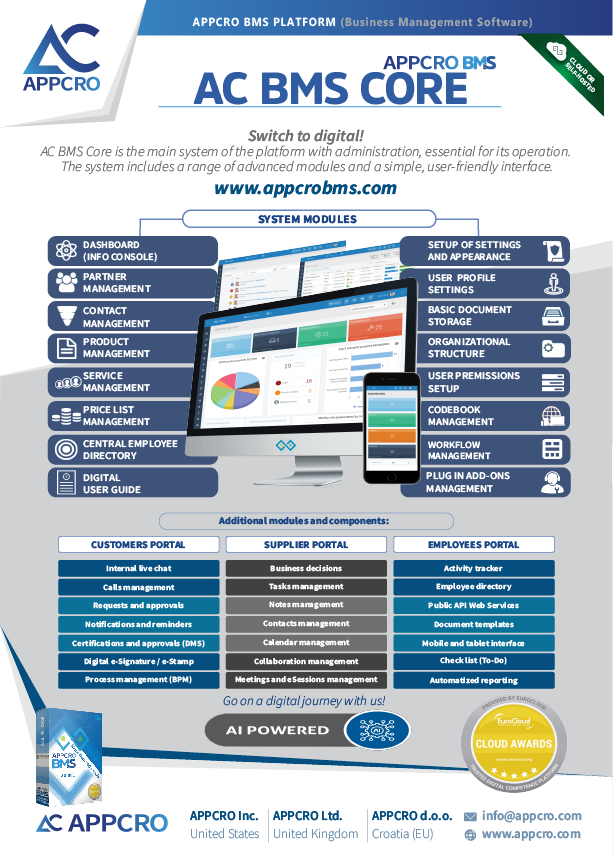
A flyer with more information about this subsystem and its modules:
Download