Hrvatski
 Français
 Deutsch
Accounting
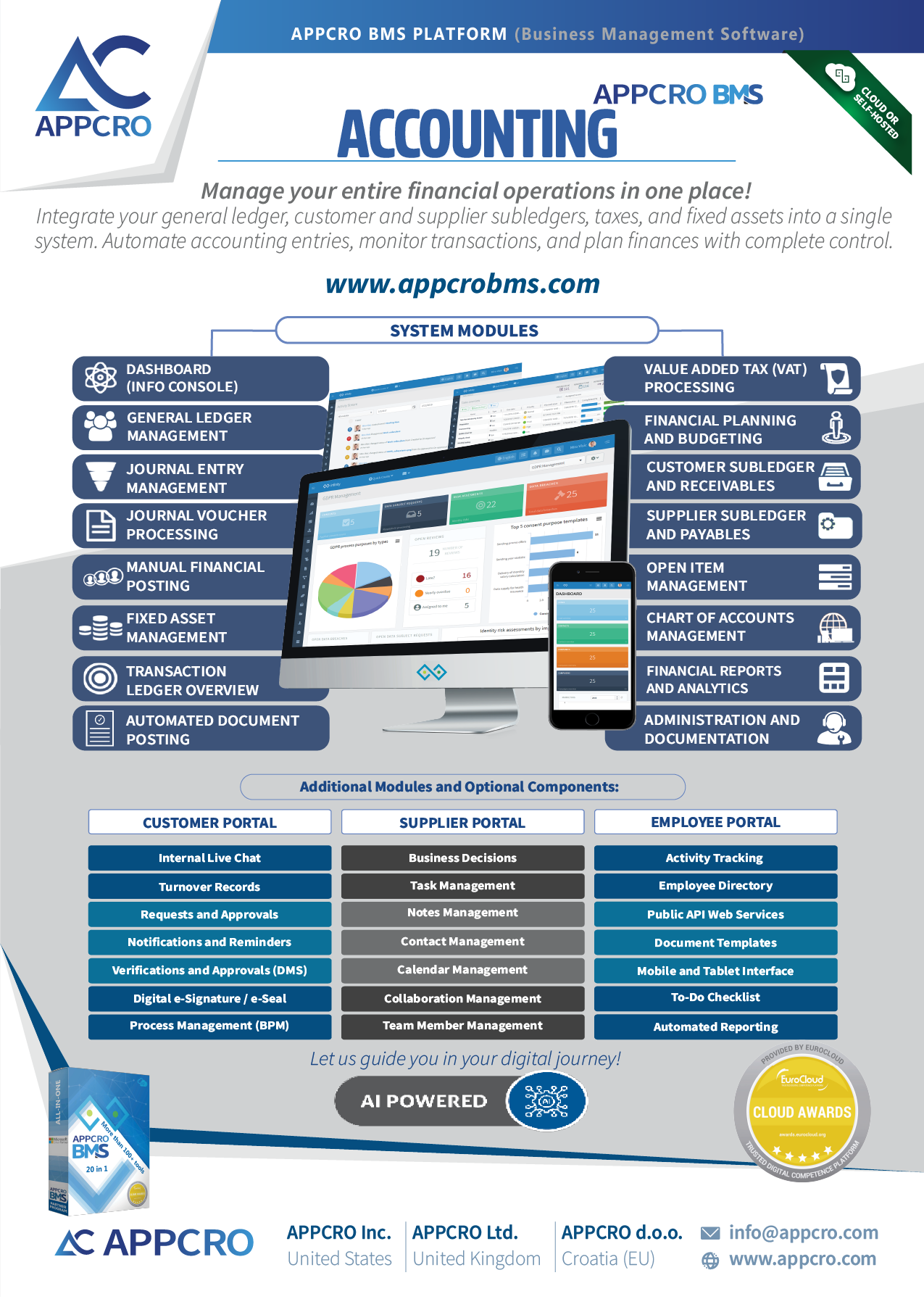
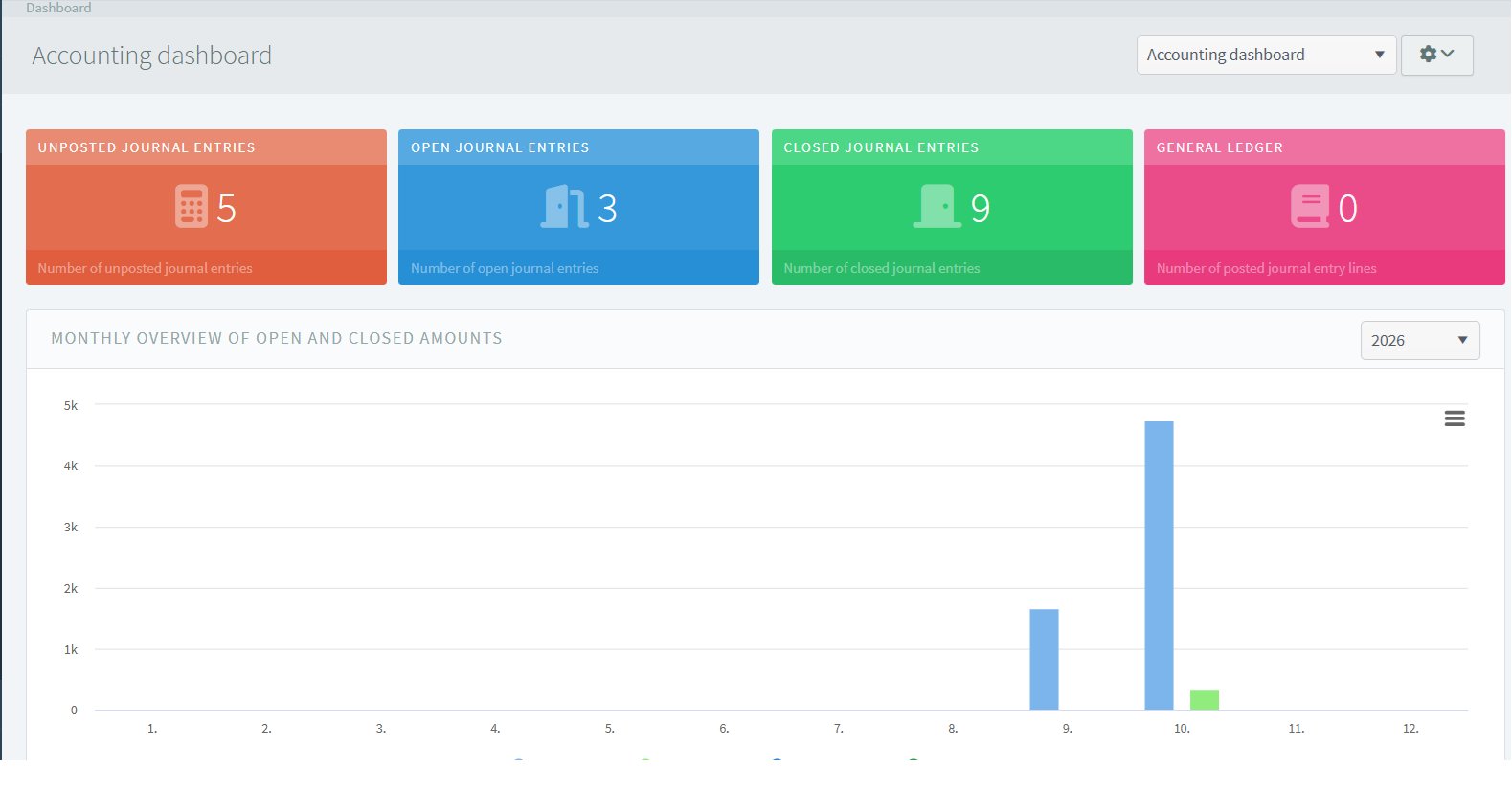
The Accounting System is an advanced system that enables the management of accounting and financial operations. It includes the following modules: Dashboard; Financial Plan and Multi-Year Planning; General Ledger; Subsidiary Ledgers; Accounts Receivable; Accounts Payable; Cash Management; Tax Calculation; Interest Calculation; Fixed Assets; Chart of Accounts (timeline + detailed transaction tracking by account); Journal Entries (1:1 individual journal entries and batch journal entries for multiple documents of the same type); Manual Posting; Automatic Posting; Documentation*; Reports. – Note: The system is currently under development and is expected to be available around December 1, 2026.
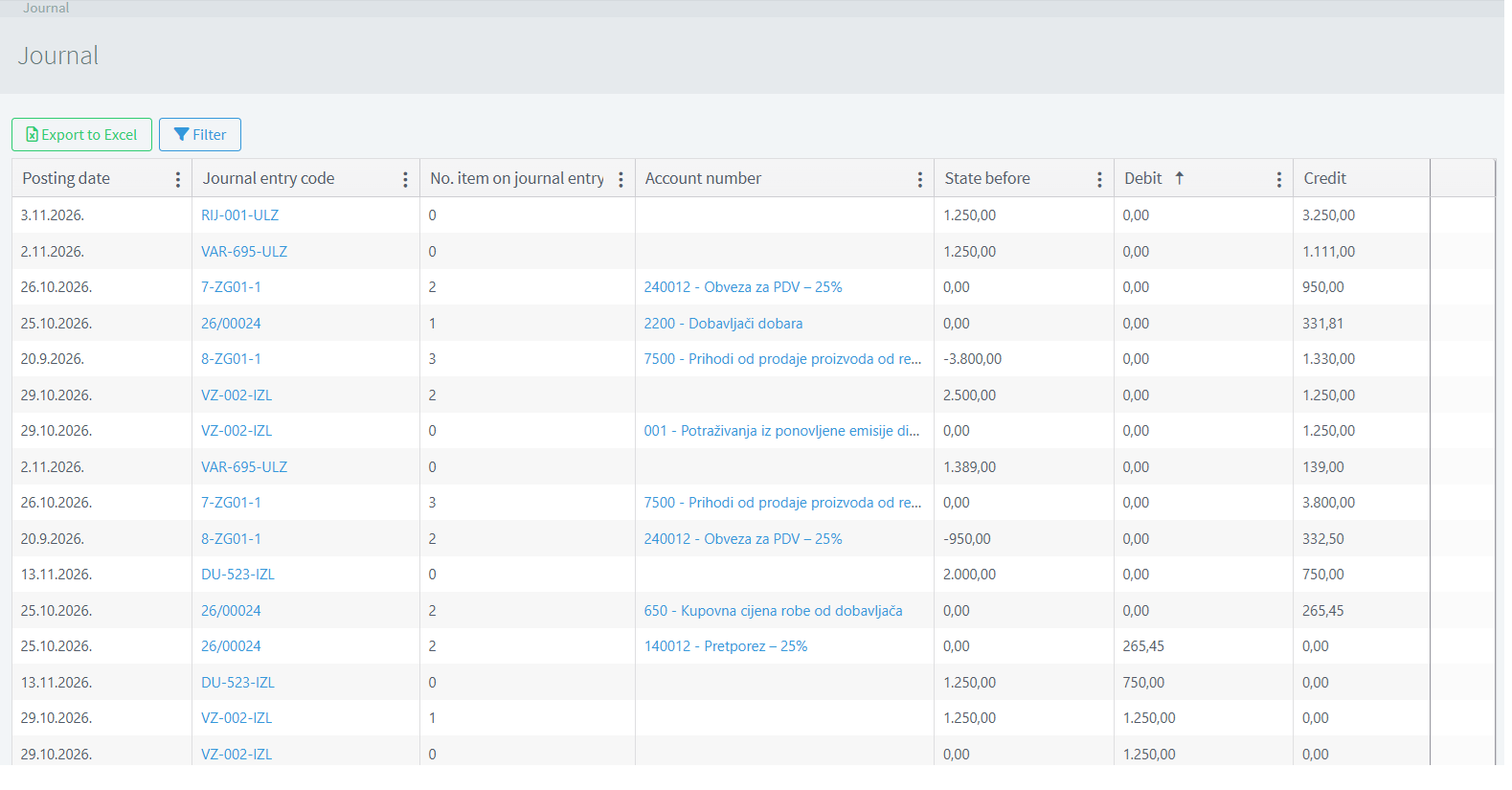
Journal
The Journal is a key component of the accounting system that provides a comprehensive overview of recorded accounting transactions. It serves as a central register for monitoring and reviewing journal entries, allowing users to track financial transactions and examine their impact on individual accounts. The Journal displays transaction information in a structured table, making it easier to navigate, verify, and analyze accounting data. The Journal provides several functions, including viewing transaction posting dates, journal entry codes, the number of items within each journal entry, and associated account numbers and descriptions. It also displays the account balance before the transaction, as well as the corresponding debit and credit amounts, enabling users to monitor changes in account balances and understand how transactions affect the financial records.
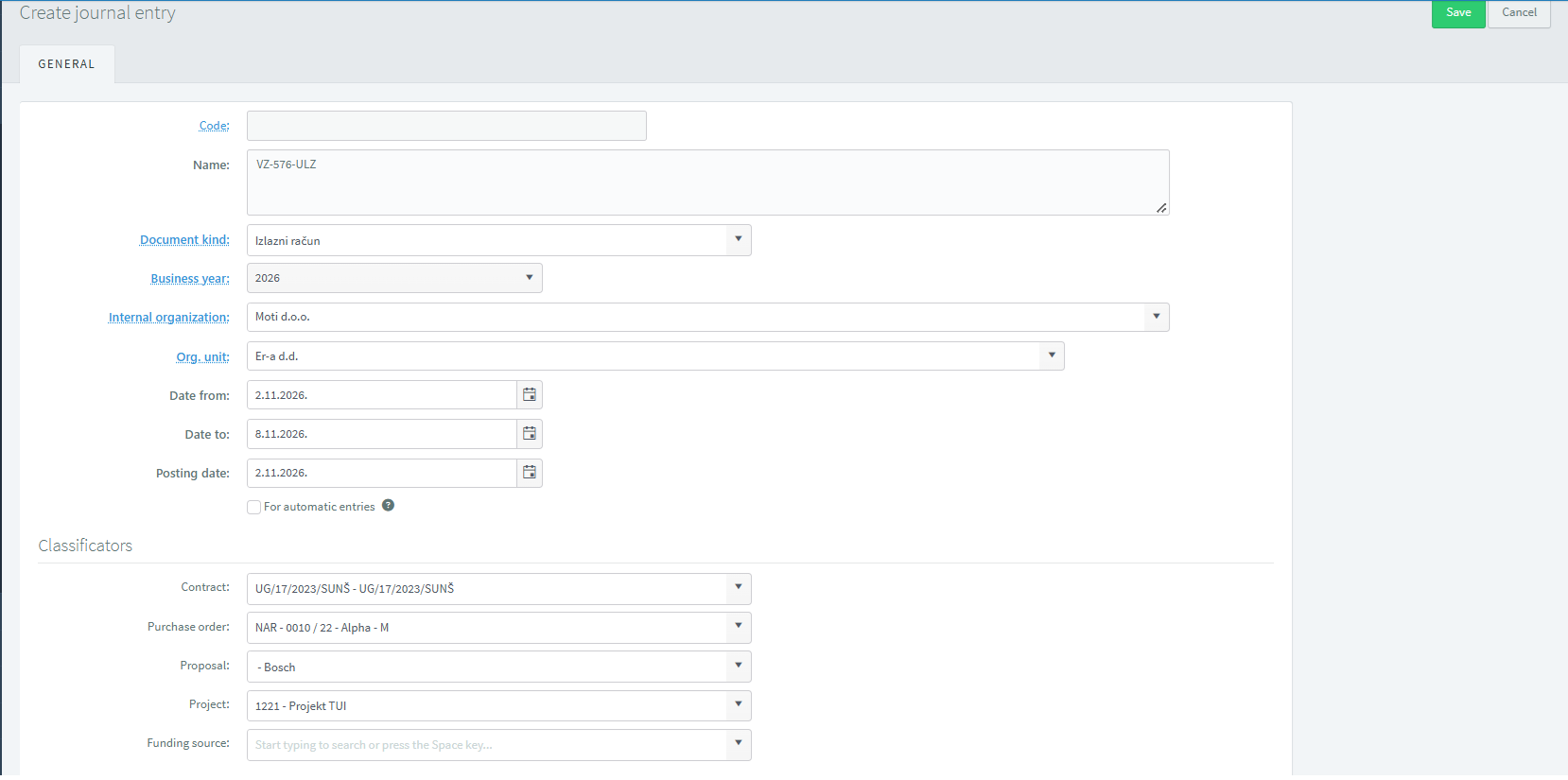
New journal entry
The New Journal Entry function in the accounting system allows users to create and configure journal entries for recording accounting transactions. It provides a structured form for entering essential information, defining the relevant accounting period, selecting the appropriate document type, and assigning organizational details and financial classifications. This ensures that journal entries are properly identified, categorized, and associated with the correct business activities. Users can specify the start and end dates, as well as the posting date, which determines when the journal entry is recorded in the accounting system. An option is also available for automatic entries. Additionally, the Classifiers section allows users to associate the journal entry with relevant contracts, purchase orders, proposals, projects, and funding sources.
Journal Entries Overview
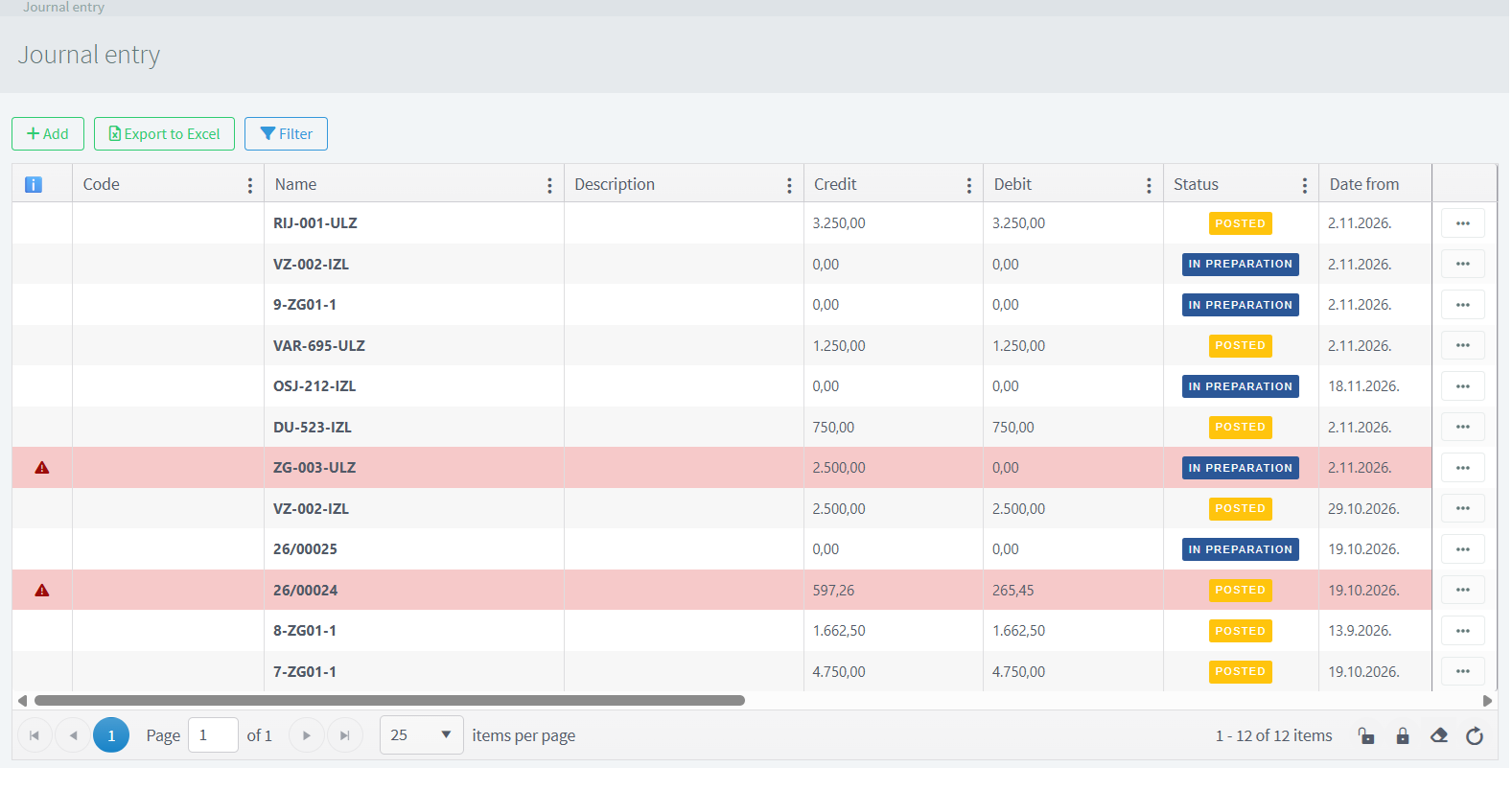
The Journal Entry Overview in the accounting system provides a centralized overview of journal entries created within the accounting module. It enables users to access, review, and manage accounting entries recorded in the system, ensuring that financial transactions are organized and easily traceable. Each journal entry represents a collection of accounting transactions associated with a specific document, accounting period, or business activity. The overview allows users to monitor important information such as journal entry codes, names, document types, business years, organizational units, and posting dates. It helps users identify individual entries, review their details, and maintain accurate accounting records.
Manual accounting
Manual Accounting in the accounting system enables users to manually record and post financial transactions directly into the accounting records. It provides greater control over the accounting process by allowing users to enter transaction details, select the appropriate accounts from the Chart of Accounts, and specify the corresponding debit and credit amounts. This function is particularly useful for recording transactions that are not generated automatically through other modules or that require individual adjustments.
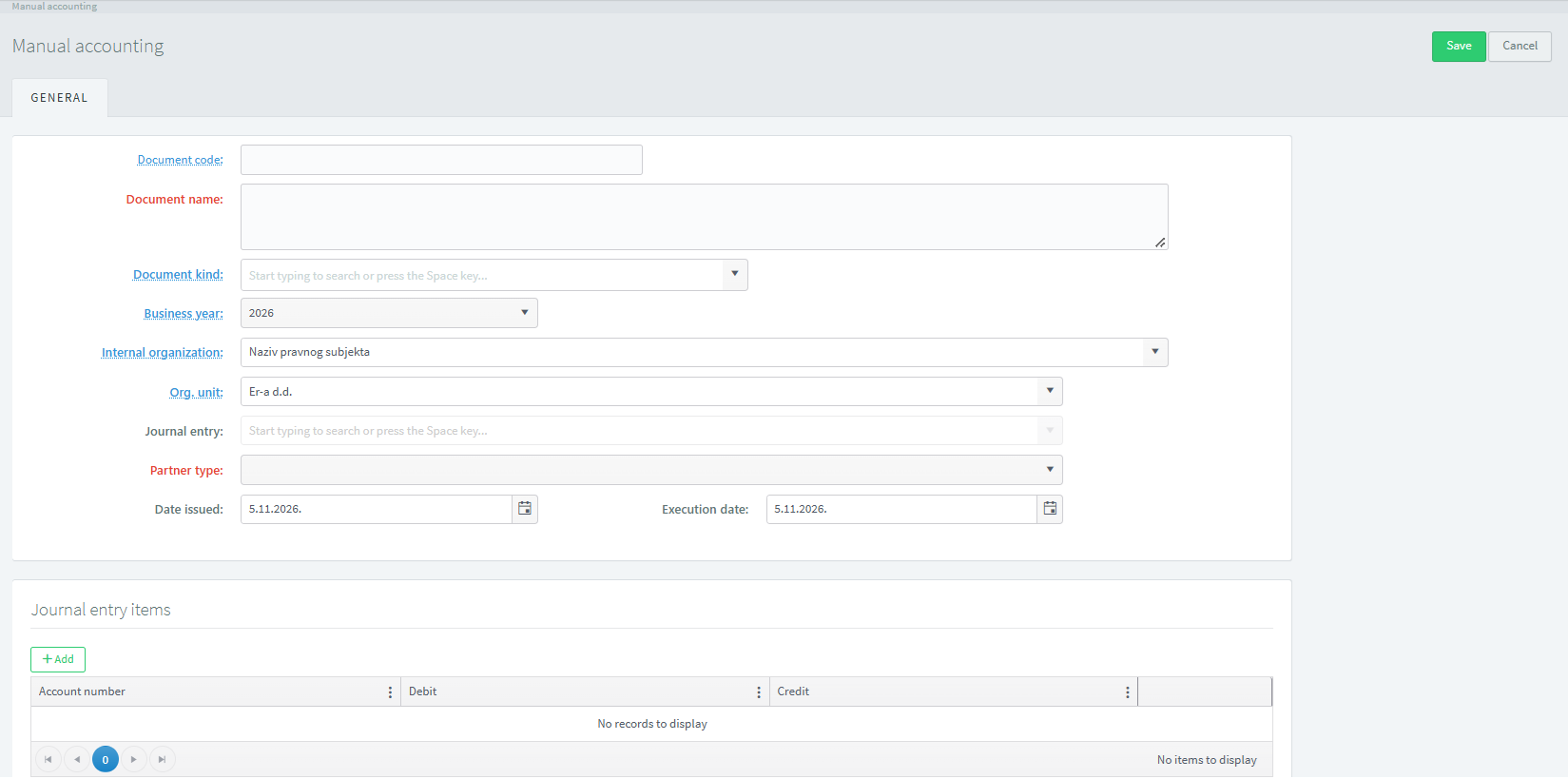
Chart of accounts
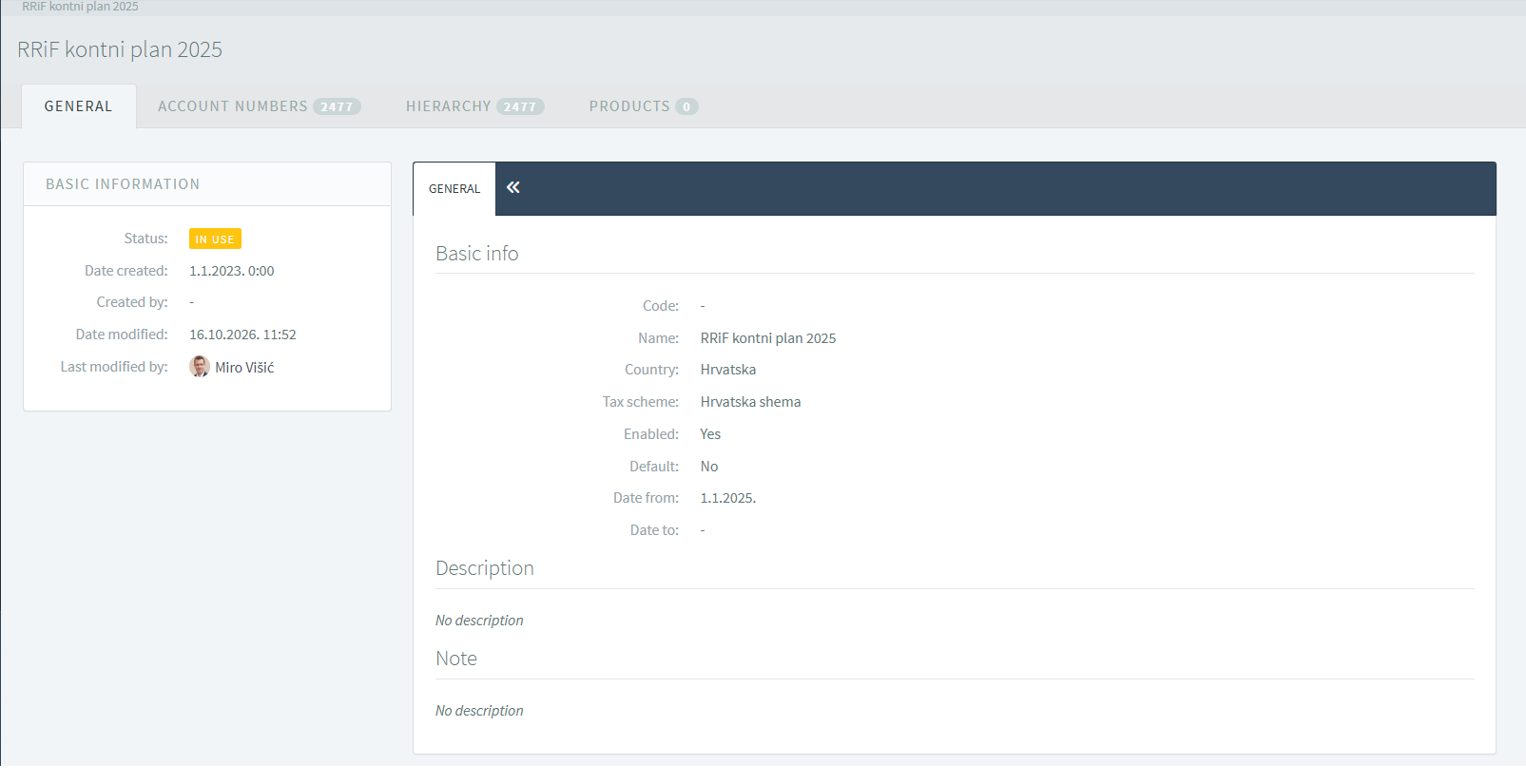
The Chart of Accounts in the accounting system is used to define, organize, and manage the accounts required for recording and classifying an organization's financial transactions. It provides a structured overview of all accounting accounts and serves as the foundation for bookkeeping, financial management, and reporting. The module is divided into several tabs: General, which contains the main account settings and details; Account Numbers, which allows users to define and manage account codes; Hierarchy, which displays the structure and relationships between main accounts and subaccounts; Products, which enables users to associate products with specific accounting accounts
A flyer with more information about this subsystem and its modules:
Download